

RDOWEB API
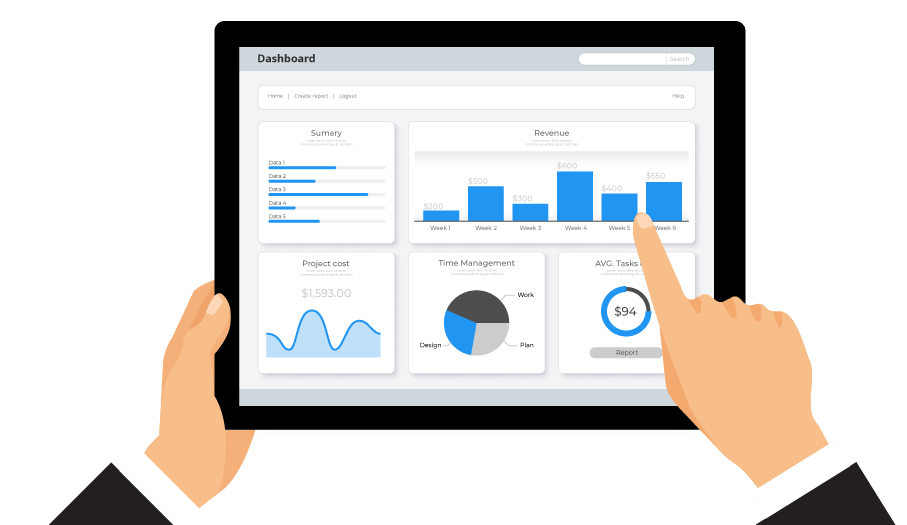
The RDOWEB API allows you to connect the system to other software, such as Power BI or Excel, so that field data recorded in CDRs can be viewed in automated dashboards. RDOWEB provides access to it's database through its own API, but it is also capable of communicating with other software through their APIs.
This allows you to:
EXTRACT DATA
This is the workflow where you take the construction site's data to management tools, such as Power BI or Excel. Instead of downloading several reports and consolidating them manually, you configure a query via Power Query and the API delivers virtual tables with cross-referenced data, allowing your productivity dashboards and histograms to be updated in real time.
As you are the owner of your information, the API allows your company to extract the complete database to your own servers (Data Warehouses), ensuring the preservation of technical documentation once the project is over.
AUTOMATE DATA
At this point, the API works in the reverse direction, that is, RDOWEB fetches data using third-party APIs to automatically fill the reports, increasing technical accuracy and reducing administrative effort.
A good example is climate monitoring, where the platform communicates with APIs from weather stations of INMET or CEMADEN and automatically records rain and wind indices directly into the CDR.
Another possibility is access control, where turnstiles and time clocks send employee punch-ins, automatically filling the roles histogram in the CDR.

Main Features
Clients




















































































REQUEST DEMO
Fill in the form and one of our specialists will contact you to schedule a meeting the best day and time.