


News
The News page presents the main platform updates, gathering information on new features, functional improvements, performance adjustments, and more.
Users can follow recent releases, understand how changes impact daily use of RDOWEB, and stay up to date with best practices, integrations, fixes, and technological advancements.
The goal is to ensure continuous alignment between platform evolution and clients’ operational needs.
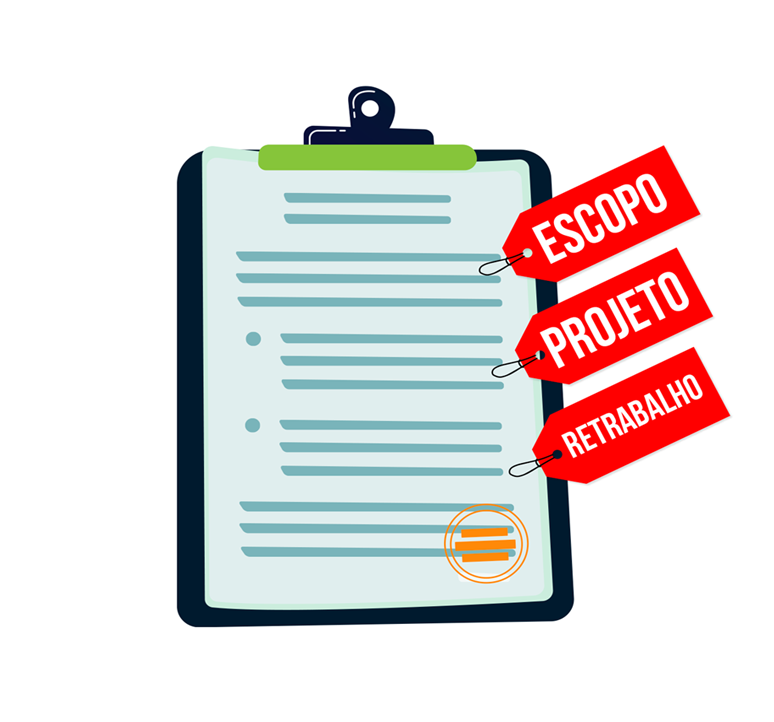
From Paper to Digital: The Future of Construction Management
Ditch the clipboard: How digital reports are protecting profits on the jobsite.
Discover how the transition to digital processes eliminates recording errors, accelerates decision-making, and ensures full transparency between the field and the office.
Learn more →Automated Incident Reporting
Record daily site activities in seconds with Smart Tags.
No more typing repetitive texts. With our Tag system, you classify relevant incidents instantly and use auto-fill to register issues with accuracy and speed.
Smart Equipment Management
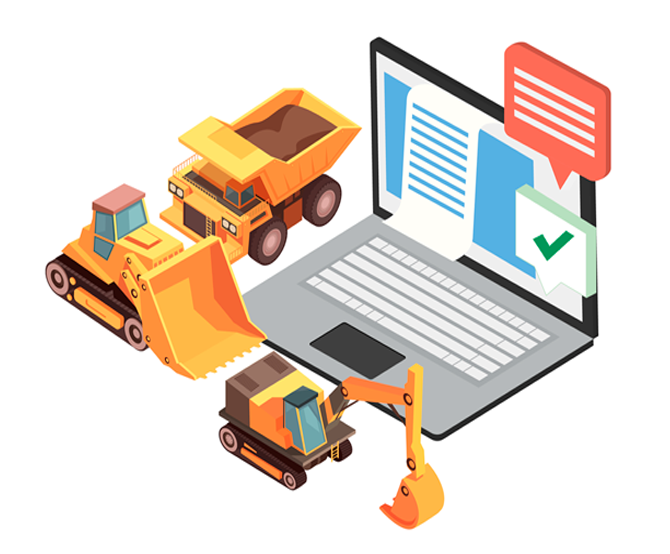
Automatic Commentary: Equipment control has never been this simple.
Say goodbye to manually filling out observations. Now, you can insert automatic notes via Tags in both the CDR and DFR, ensuring that no detail is missed during reporting.
Sustainability Seal
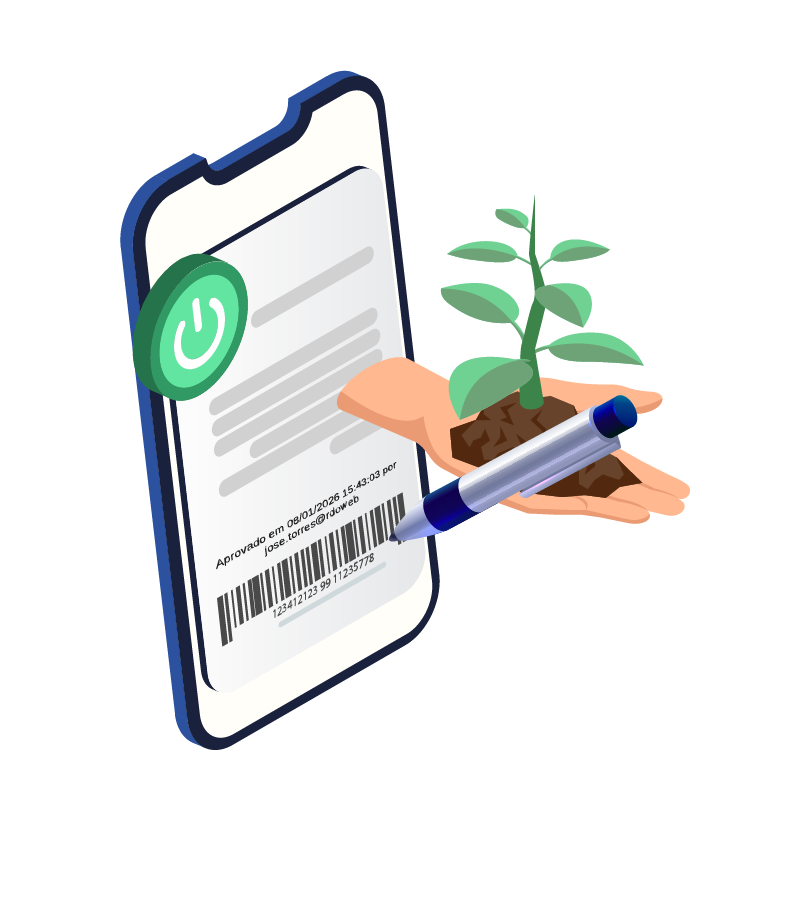
Your project with digital awareness and the Green Stamp.
Reduce waste and strengthen your company's environmental commitment. Our PDFs now include the Green Stamp, promoting sustainable sharing and eliminating the need for unnecessary printing.
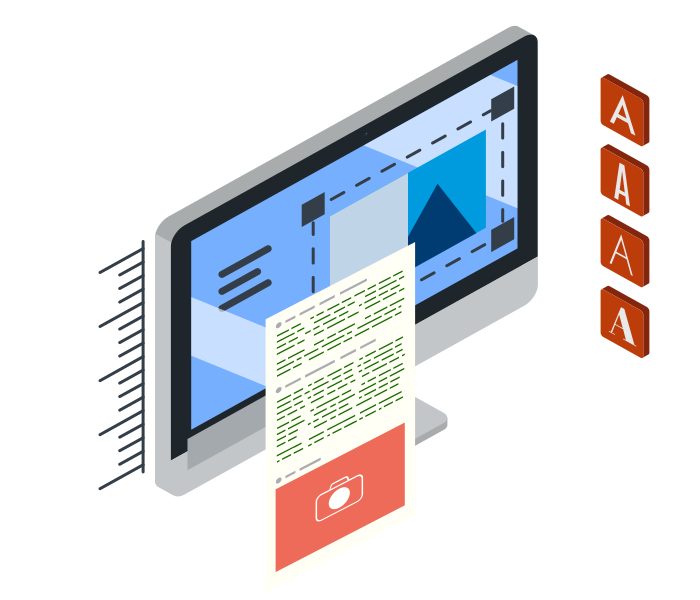
Customize Image Captions
Security and Branding: Customize your photos with exclusive watermarks.
Set up custom watermarks in your reports to ensure they are displayed properly without interfering with the text, while preserving the clarity of key information.
Configure Your Own Alerts
Smart Alerts: The system that notifies what matters most to you.
Automate the flow of information. Configure custom rules for email triggers and approval notifications, ensuring that the right managers receive the exact data at the right time.

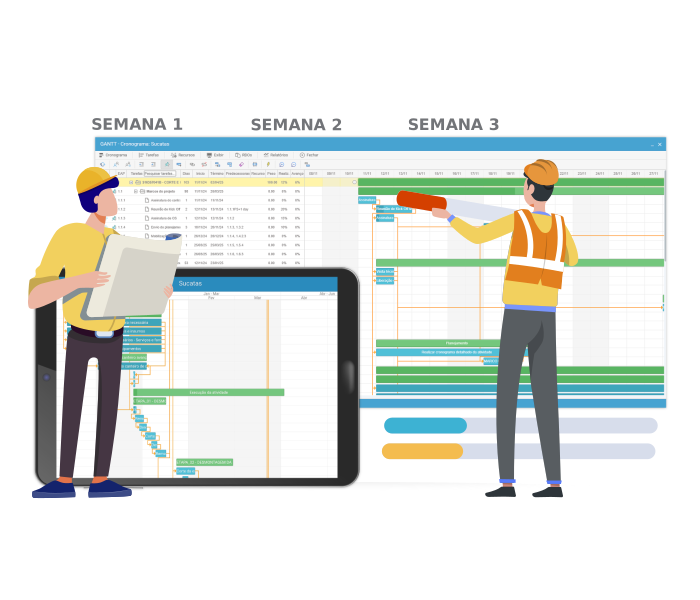
Flexible Schedule Management
Replan your project without losing a single historical data point.
Project changes? No problem. Update your schedule in MS Project and import it into the platform while preserving all recorded progress and measurements. Full flexibility to handle unforeseen events without rework.
High-Performance Navigation
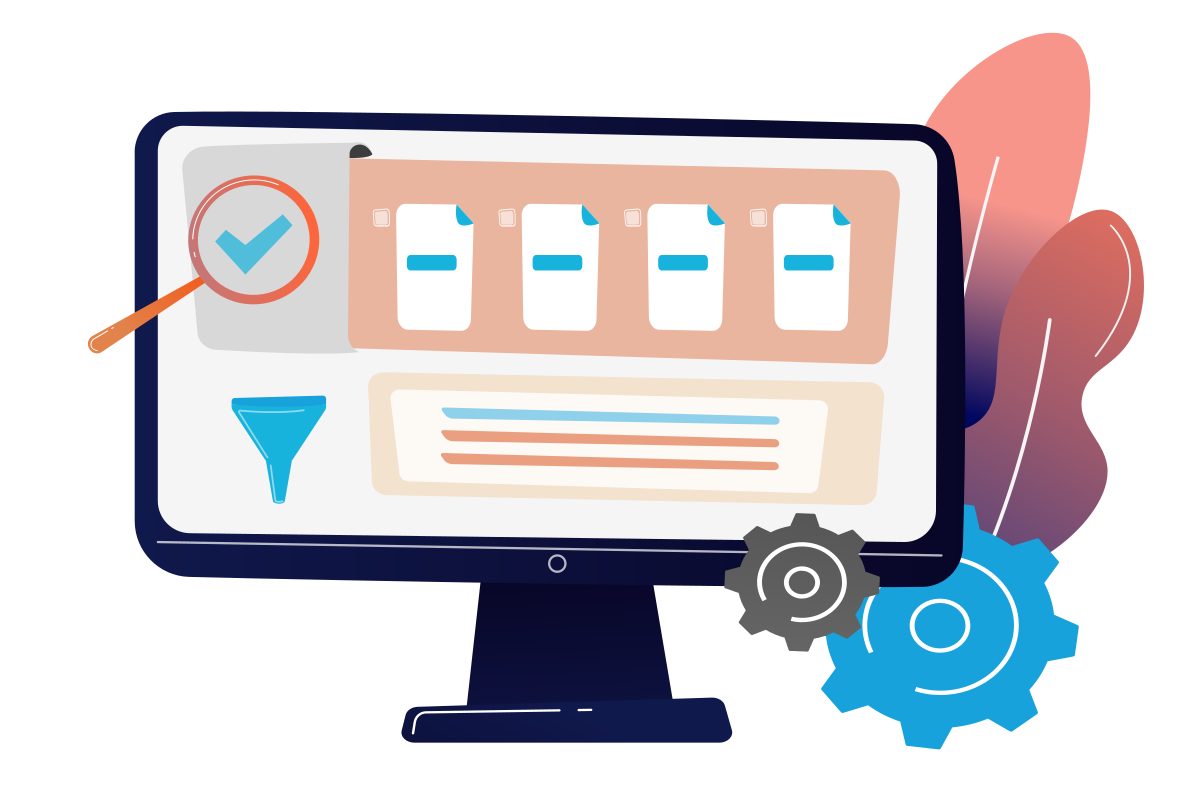
Find any project with a single click using the new Project Filter.
Our new intelligent search tool allows you to instantly locate a specific project among dozens of projects, optimizing your time and organizing your workflow.
Clients
























































































REQUEST DEMO
Fill in the form and one of our specialists will contact you to schedule a meeting the best day and time.